
How to reward your class
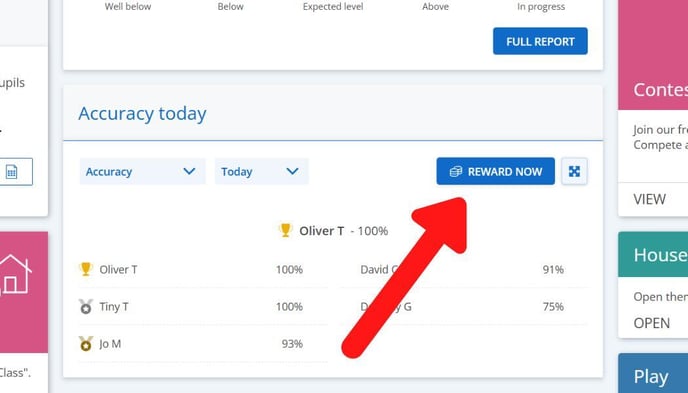
- First make sure you have the correct class selected on your dashboard, then scroll down to the class leaderboard and click 'reward now'
Tip: Click the dropdowns to change the time frame or the metric displayed on the class leaderboard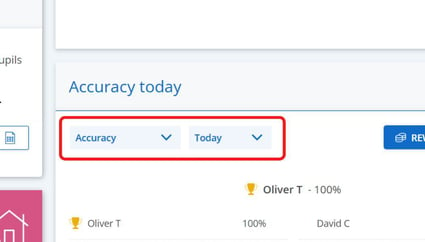
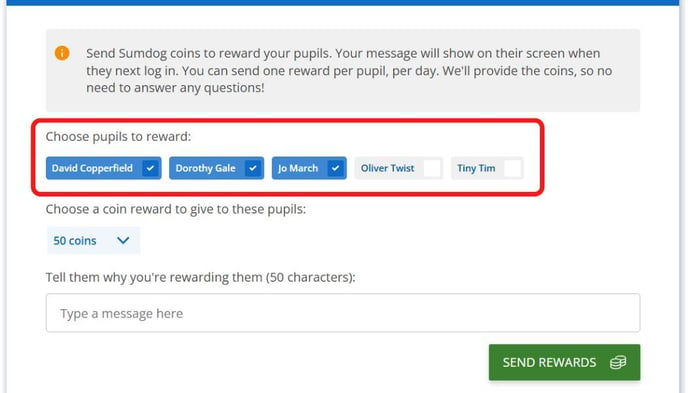
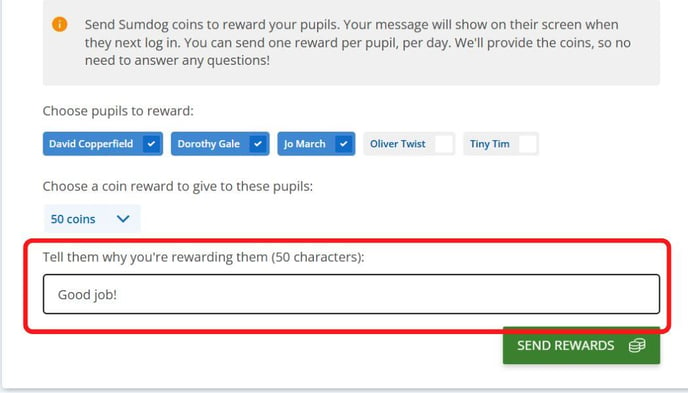
- Select the students you'd like to reward
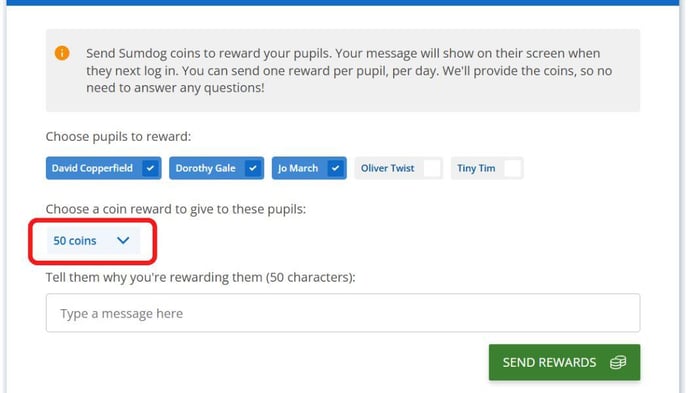
- Select the number of coins you want to give from the dropdown menu. You can select 50 coins, 100 coins, or 200 coins
- Type in a message to explain why you're rewarding your students. The students will see this when they receive the coins.
- Click 'send rewards'
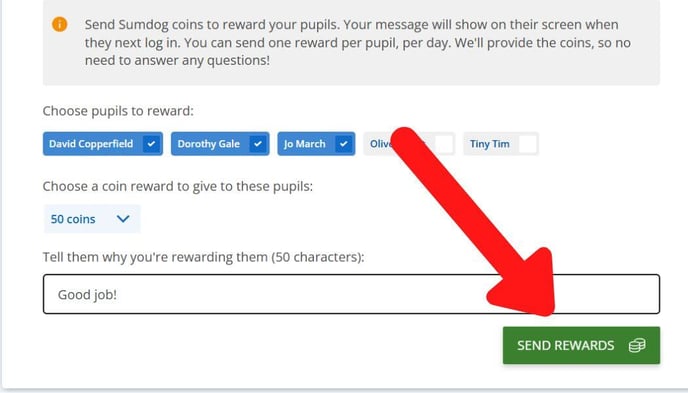
Note: You can send one reward per student, per day.